


Taking the Owiwi assessment?
Welcome! Whether you’ve applied for a new role or your organisation is using Owiwi to help you grow, this guide walks you through everything, from your invitation to your results.

What is Owiwi?
Owiwi is a gamified soft skills assessment. Organisations use it to find the right people for their teams, and to help their people grow through training and development.
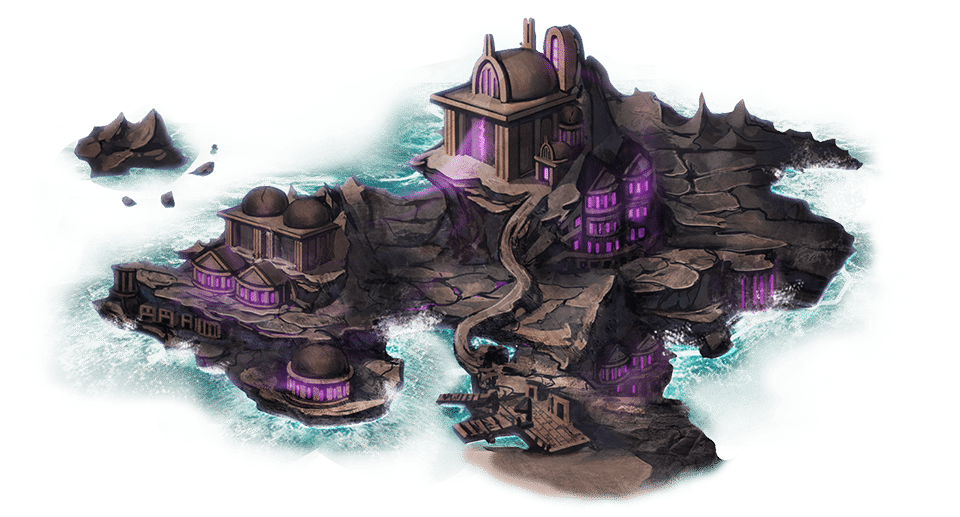
Instead of a long questionnaire, you set off on an adventure across the Isles of the Shroud and face realistic situations from working life. The choices you make reveal how you naturally approach work: how you make decisions, adapt, work with others and handle pressure.
Applying for a role
The organisation uses your results alongside your application to get to know you beyond your CV.
Growing in your current role
Your organisation uses Owiwi to understand your strengths and shape training and development around them.
The skills behind great work
Each organisation chooses the skills that matter most for the role or team. Tap a skill to see what it means.

 Accountability
Owning your actions and decisions, and following through on what you’ve committed to.
 Adaptability
Handling change well and adjusting confidently to new situations, people and environments.
 Decision Making
Weighing up information and options to reach good decisions, quickly and effectively.
 Willingness to Change
Being open to new ways of working and ready to take on new or unexpected tasks.
 Integrity
Acting in line with strong personal values and principles, and doing what’s right at work.
 Learning Agility
Learning from experience and putting new knowledge to good use in new situations.
 Resilience
Bouncing back from setbacks, adapting to change and keeping going when things get tough.
 Teamwork
Working well with others towards a shared goal, and sharing knowledge and experience for the team’s success.
 Project Management
Planning and organising resources to move tasks and projects through to completion.
 Entrepreneurship
Spotting opportunities and turning ideas into something that creates value.
 People Support
Offering timely, empathetic help that keeps the needs of colleagues and customers front of mind.
Start with your invitation
Your invitation connects your results to the organisation that invited you, so that’s where your journey begins. The sign-up button elsewhere on our website is for organisations setting up an account.
Find your invitation
It’s an email from Owiwi or a link shared by the organisation. If it’s not in your inbox, have a quick look in spam.
Sign up from the link
Click the button in your invitation and use the same email address it was sent to.
Still can’t find it?
Just ask the organisation that invited you, and they’ll send it again.
Good to know
A few things that will help you feel at ease.
Be yourself
There are no right or wrong personalities. Simply respond the way you naturally would at work.
Easy to play
You don’t need any gaming experience. There’s nothing to master and no high score to chase.
Take your time
There’s no timer, and your progress saves automatically, so you can pause and pick up where you left off.
Something for you
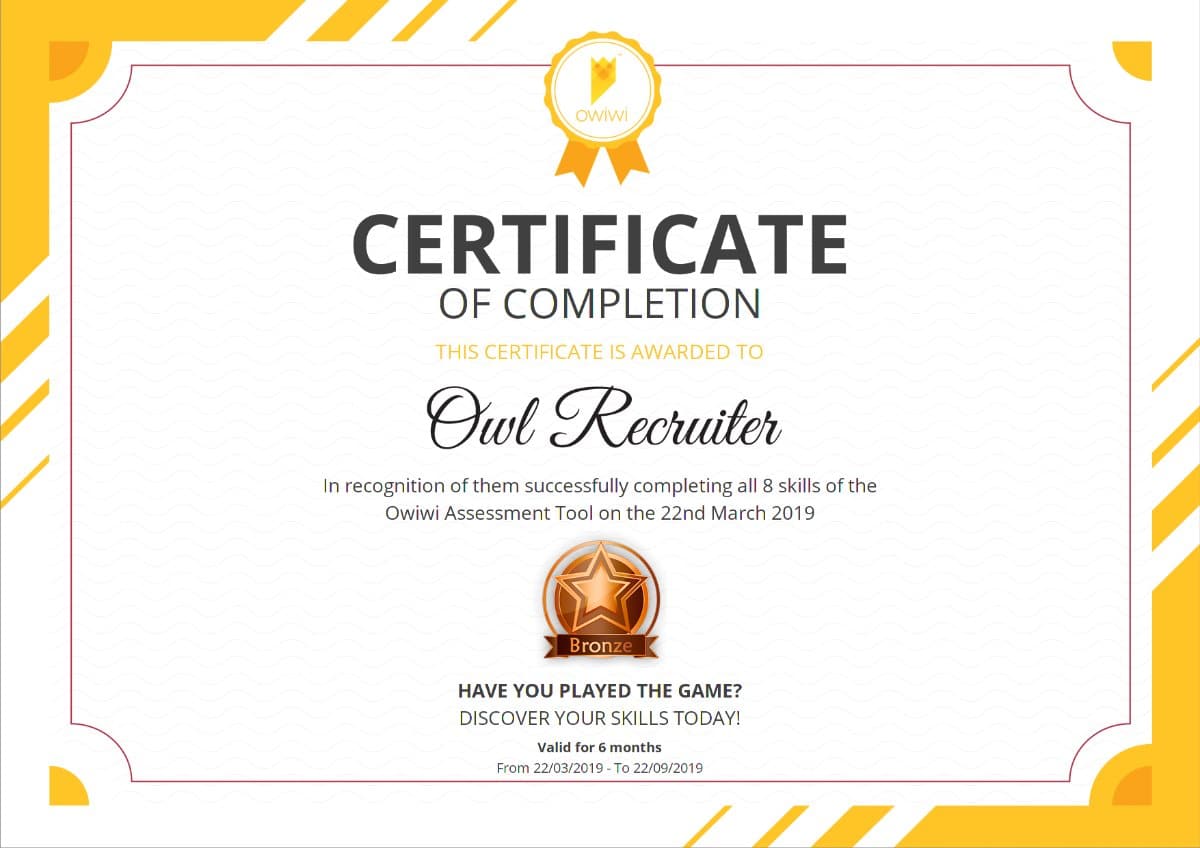
You’ll get feedback on your soft skills, learning recommendations and a certificate to share on LinkedIn.
How it works
From your invitation to your results, in six simple steps.
- 1
Get your invitation
You’ll receive an email from Owiwi, or a link straight from the organisation.
Not in your inbox? Check your spam or junk folder.
- 2
Register
Click the button in your invitation and create your account with the same email address.
- 3
Activate
Confirm your account through the short activation email we send you.
- 4
Choose your character
Pick the hero that feels most like you. It’s part of the adventure and doesn’t affect your results.
- 5
Take the assessment
Work through realistic workplace scenarios, choosing the best and the worst way to respond to each.
Need a hand? Click the in-game help icon at any time.
- 6
See your results
Your personal dashboard shows your results, feedback and learning recommendations.
Your answers are saved and shared automatically, so there’s no confirmation email.
Before you start
A quick checklist for the best experience.
- A quiet spotSomewhere you won’t be interrupted
- A laptop or desktopLess than 4 years old, 2GB+ RAM
- An up-to-date browserChrome works best; Firefox, Safari and Edge are fine too
- A stable connectionWi-Fi you can rely on
- Other apps closedGives the assessment room to run
- Notifications offSo nothing pulls you out of the story
- Auto-translate offIn your browser settings
- Time for one sittingMost people finish in about 40 minutes
Which device should I use?
Owiwi runs in your browser, so there’s nothing to download or install.
Laptop or desktop
The best way to enjoy the full experience, with plenty of room to read each scenario.
Chrome works best
Firefox, Safari and Edge work well too. Just make sure your browser is up to date.
Phone or tablet
Owiwi works on mobile too, though a bigger screen makes for a more immersive experience.
What you get at the end
- Your own dashboard, showing your results across the skills assessed.
- Learning recommendations to help you keep developing your skills.
- A certificate you can share on LinkedIn.
- Results that stay valid for 6 months, and can be shared with other organisations that invite you.
Occasionally an organisation chooses not to share results with participants.
Frequently asked questions
Answers to the questions we hear most often.
Getting started
How do I start the assessment?
Open your invitation from Owiwi, or the link the organisation shared with you, click the button and register from there.
I can’t find my invitation. What should I do?
Have a look in your spam or junk folder, and mark the email as Not Spam if it’s there. If you still can’t find it, the organisation that invited you can send it again.
Can I take Owiwi without an invitation?
Owiwi is available by invitation from organisations that use it, so you’ll need an invitation to take part.
I’ve been invited by more than one organisation.
Simply follow the link in each invitation, using the same email address each time.
Is it available in my language?
Owiwi is available in 11 languages. The organisation that invited you may ask you to take it in a specific one.
During the assessment
Is there a time limit?
No, you can go at your own pace. The organisation can see the total time taken, so it’s best to set aside time to complete it in one go.
Can I take a break and come back later?
Yes. Your progress saves automatically, so you can log back in and carry on where you left off.
Can I change an answer?
Once you submit an answer, it’s final, so take a moment before choosing.
What if my internet connection drops?
Your progress is saved. Once you’re back online, log in again and pick up where you left off.
It’s loading slowly or has frozen.
This is usually down to the connection. A steady connection of at least 1.5 Mbps download and 2 Mbps upload works best.
Results & privacy
Will I see my results?
Yes. Your dashboard shows your results with feedback, learning recommendations and a certificate to share. Occasionally an organisation chooses not to share results with participants.
Can I take it again?
Each invitation can be completed once. Your results stay valid for 6 months and can be shared with other organisations that invite you during that time. If you’d like to take it again, please speak to the organisation that invited you.
Why do I need to accept the privacy policy and cookies?
Our privacy policy explains how we look after your information in line with GDPR, and cookies help us support you if anything goes wrong technically. You can read our Privacy Policy at any time.
We’re here to help
If you have a question, we’d love to point you in the right direction.
About the assessment
Trouble logging in, an invitation link that isn’t working, or something that doesn’t look right? Send us a message and we’ll get back to you.
Email hello@owiwi.co.ukAbout your application or programme
For anything about next steps, timelines or the role itself, the organisation that invited you will be best placed to help.